
01
Monitor controlled changes
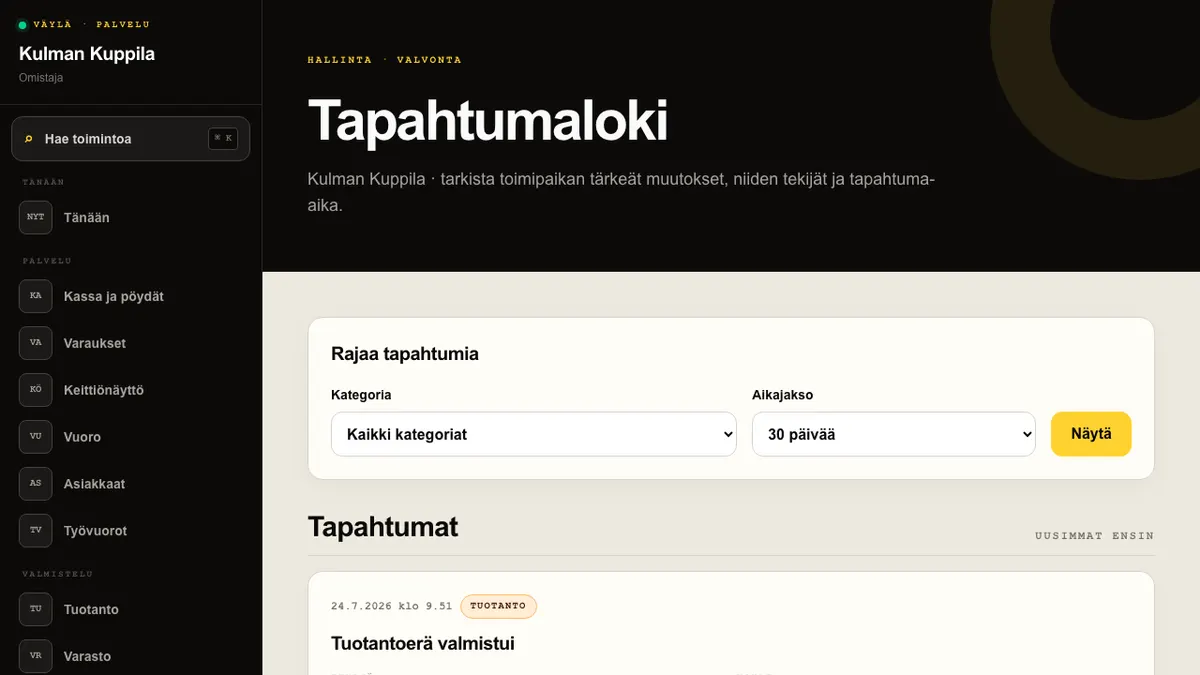
Audit log brings together events such as sent order-line voids, Z reports, booking and roster changes, role changes, and website and location management actions. Each event shows its time, category, actor, subject and recorded details.
Open Audit log from Management in the main menu. Filter the view by category and a period of 7, 30 or 90 days. An unknown event key is shown as-is so that new event types are never hidden from the log.
An owner can use Download CSV to export the audit log for the latest 30 days by default.
How to do it
- 1Open Audit log from Management.
- 2Select a category and period when needed.
- 3Select Show and review the newest events first.
- 4Use Previous and Next to move between pages of 50 events.
Who can do this?
- Owner
- Manager