
01
Review setup readiness
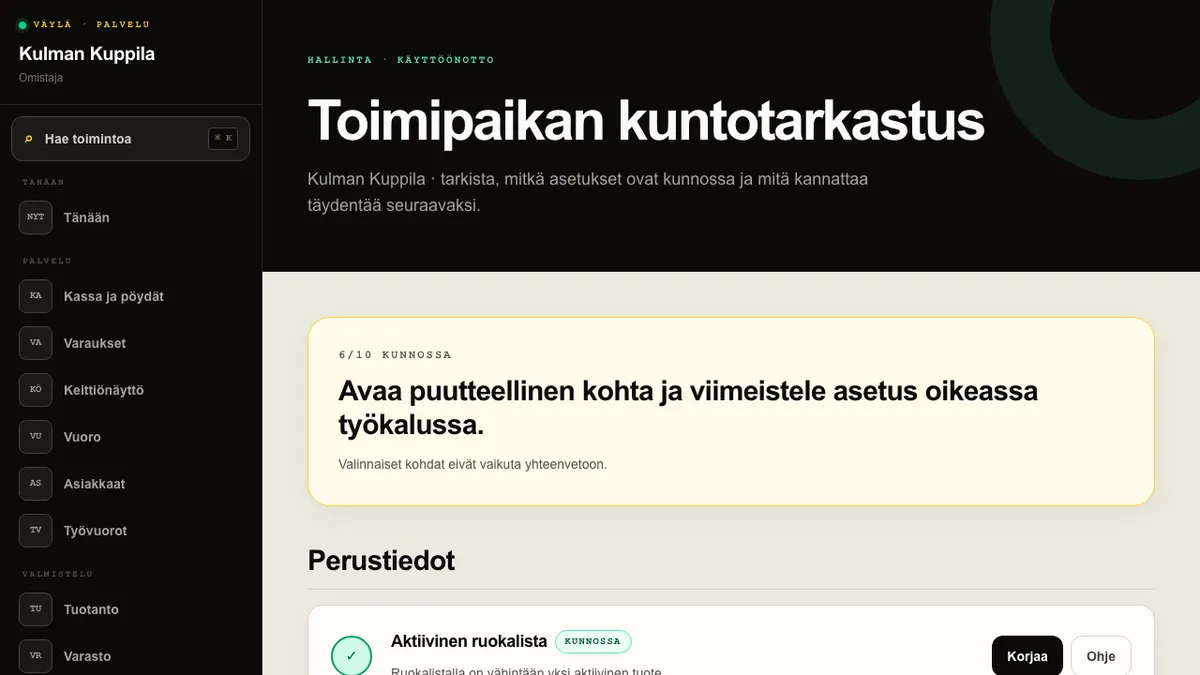
Health check brings together the important settings for the menu and enabled modules. The summary shows how many essential items are ready. Optional items are shown separately and do not lower the result.
The view only checks modules enabled for the restaurant. For example, recipe and cost checks appear only with Inventory, while publishing, legal-details, and logo checks appear only with Website.
How to do it
- 1Open Health check from Management in the main menu.
- 2Review the summary at the top and open an incomplete module group.
- 3Select Fix to open the relevant tool for the setting.
- 4Return to Health check after the change and confirm that the item is ready.
Who can do this?
- Owner
- Manager